Keep the beat close
Use the built-in metronome to keep time while you practise, without leaving your session.
Your music practice, all together
Know what you played. Hear how far you've come. Give your next session a clear direction.
Instrumentive brings your practice journal, recordings and goals together, so you can spend more time playing and see the progress you make.
Get started with InstrumentiveAndroid, iOS and web Already a member? Sign in
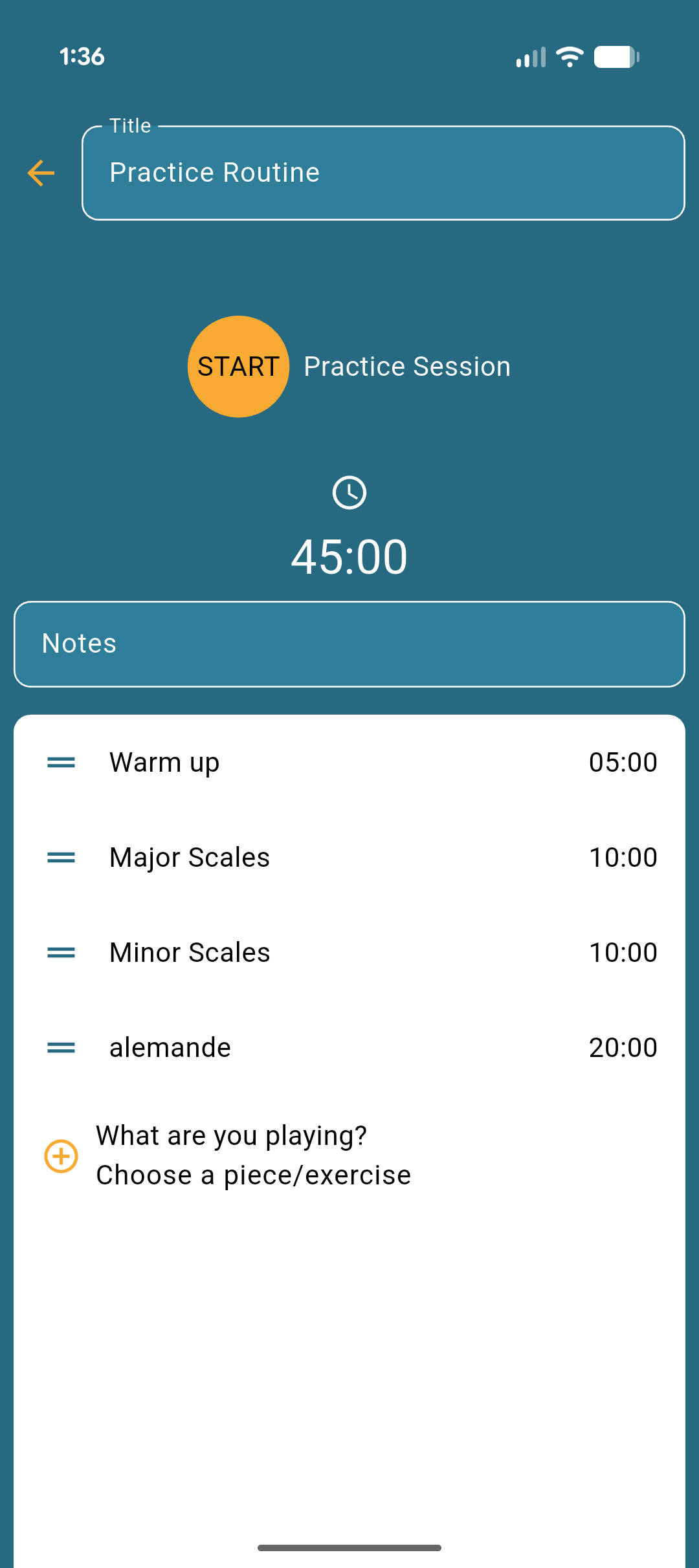
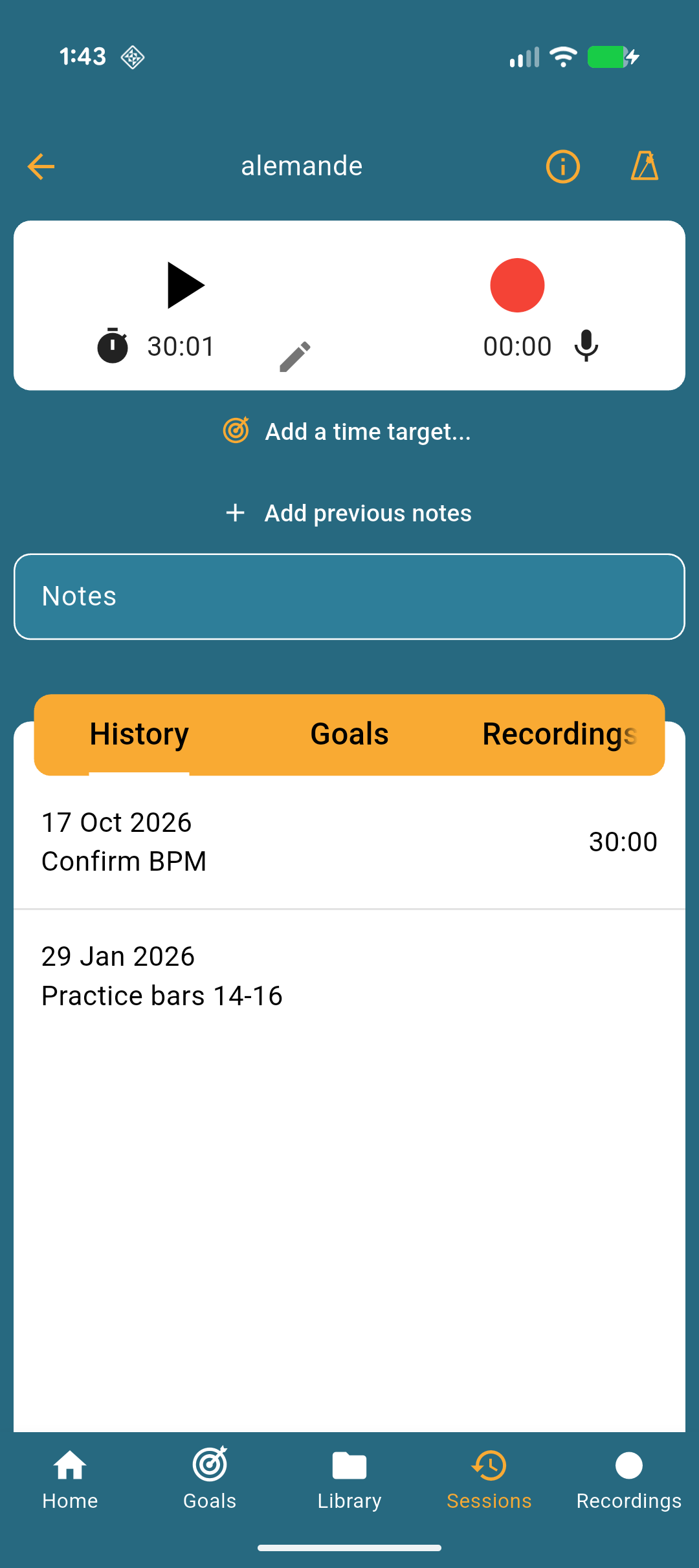
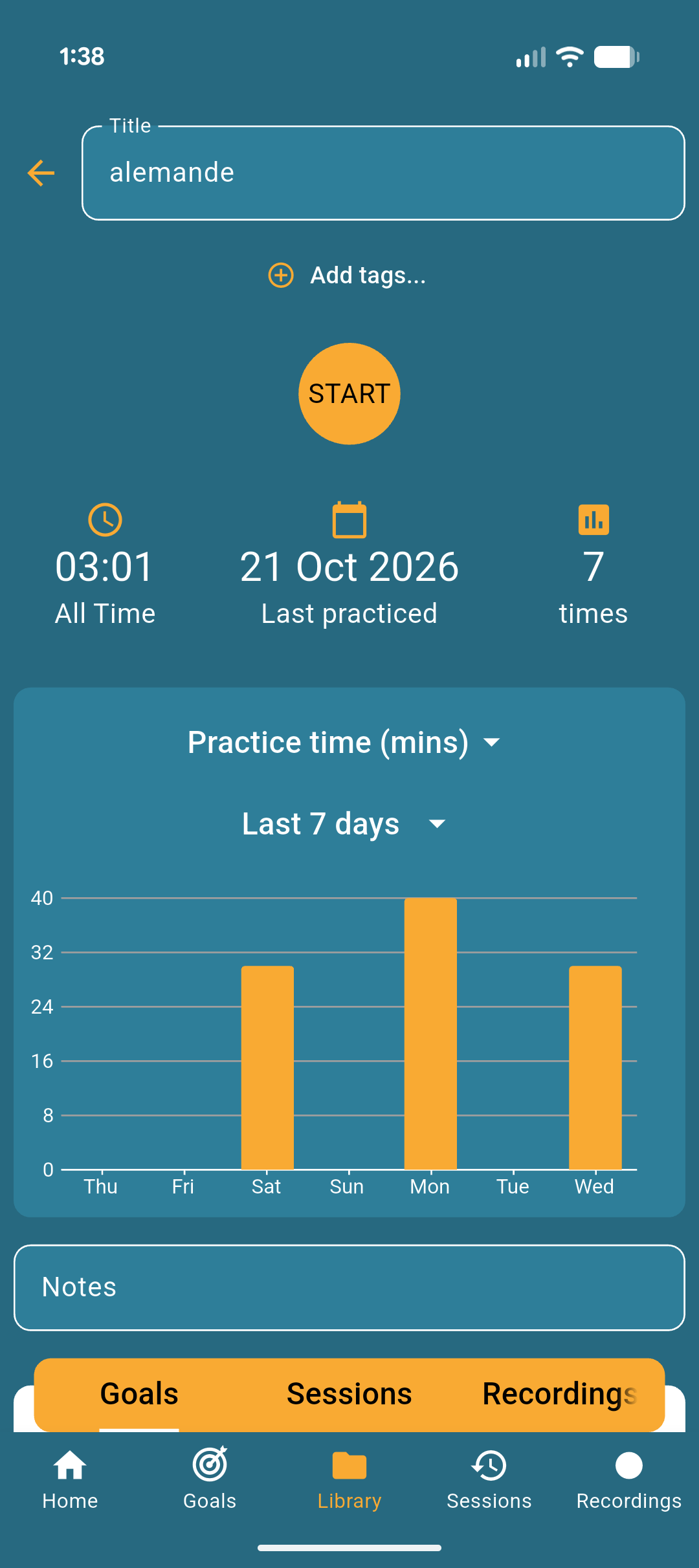
A routine you can come back to
Whether you're learning an instrument or refining a familiar piece, keep a useful record of every session.
Add a piece, scale or exercise to your library. Start a session and choose what you want to work on.
Time your practice, record a passage and leave yourself a note about what went well or needs attention.
Review your practice time, revisit recordings and use your goals to decide where to focus next.
More than a practice timer
Keep your notes and recordings with the music you're working on. When you return to a piece, your previous sessions are there to help you find your next step.
A single session is part of a bigger picture. See your practice history and statistics, then set goals that help you keep moving forward.
Use the built-in metronome to keep time while you practise, without leaving your session.
Sign in to your Instrumentive account to access your practice data on your phone, tablet or in the web app.
Keep pieces, scales and exercises in one library, with playlists to organise what you practise regularly.
From the practice room
“Very simple and useful. It's quick and easy to log practise with detail in a format that makes you feel like you're genuinely making progress.”
“Perfect for a musician trying to get into a practicing routine.”
“The best practice journal app I've ever used! I think I've learned to practice more effectively using this app. Thanks!”
Your next practice starts here
Download for Android or iOS to get started, or open the web app if you already have an account.


Yes. Open my.instrumentive.com in your browser and sign in to your Instrumentive account. The mobile apps are available for Android and iOS.
Sign in with the same Instrumentive account on your devices to access your practice data. See the getting-started guide for more about signing in.
No. You can organise pieces, scales and exercises for the instrument you play. Instrumentive helps you keep track of your own practice rather than providing instrument lessons.
Manage or cancel your subscription through the Google Play or Apple App Store account used to subscribe. Cancellation takes effect at the end of the current billing period. See the terms of service.
The Instrumentive user guide covers sessions, recordings, goals and more. You can also read the Android changelog or iOS changelog.